
Free online Icon Editor
Tweak any icon to match your needs with our free Icon Editor. Easy, fast, and very intuitive!
Try it nowCustomize an icon, faster
Our icons are now editable! customize any with a few clicks to fit your project perfectly
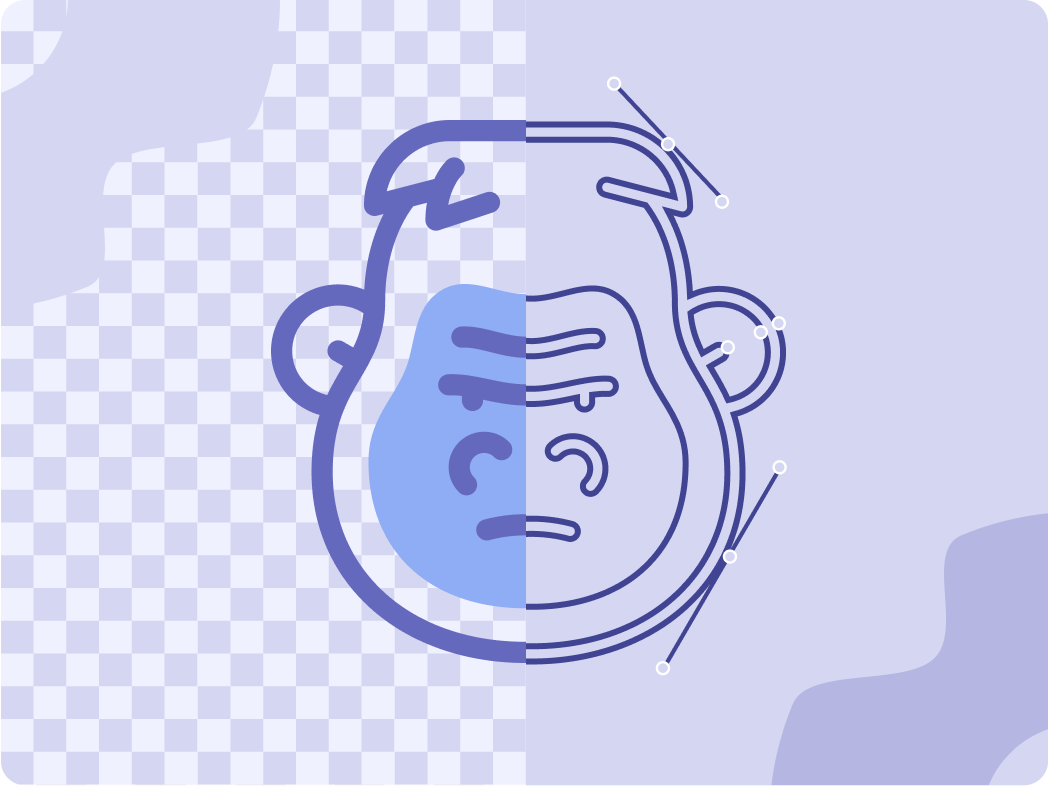
Discover our icons and start customizing
Browse our icon collection and customize them effortlessly with our online editor.
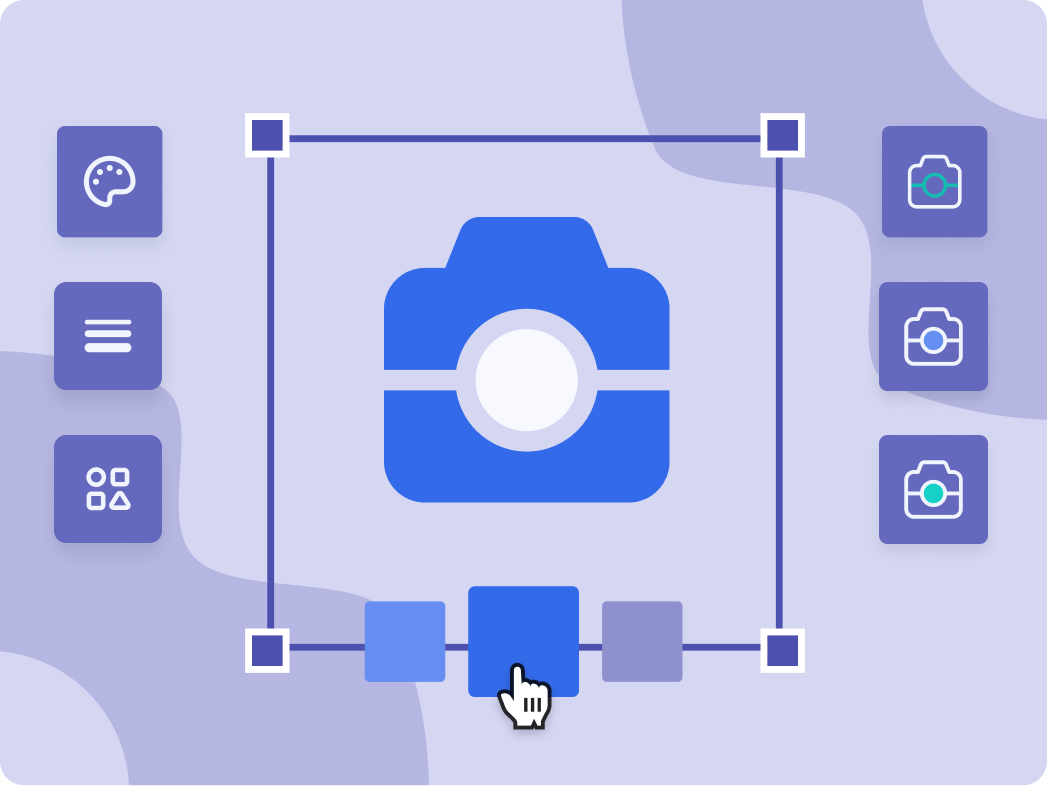
Simple to edit and customize
Modify any icon to match your project—adjust the color, shape, display, and stroke.
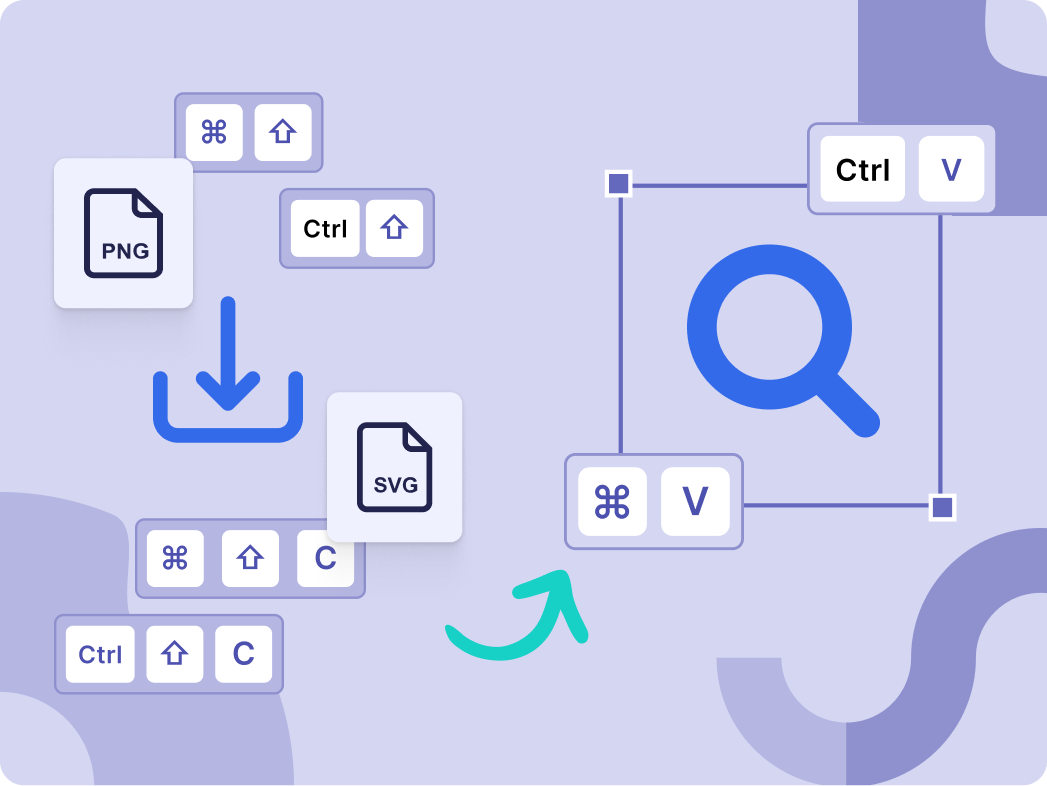
Easily download or copy
All set? It’s time to download or copy in the format of your choice.
How to edit an icon?
Easily change the color of an icon
First things first: let’s change the color. Open the color palette, pick a new hue or enter a HEX code. Choose a solid color or a gradient to suit your style.
Edit the shape of an icon as you need
Add some flair to your icon by including shapes like circles, squares, or rounded squares. Adjust the size and color to make your icon pop.
Modify the display to your liking
Rotate, flip, move, or change your icon size within the grid to perfectly fit your design. Enjoy full control to match your vision.
Last but not least, adjust the stroke
Filter your icon search to find those with editable stroke width. Play around with the width bar, and make lines as thick or thin as you want.
Play with some of the most edited icons
Try out these examples and see what you can make with the editor!



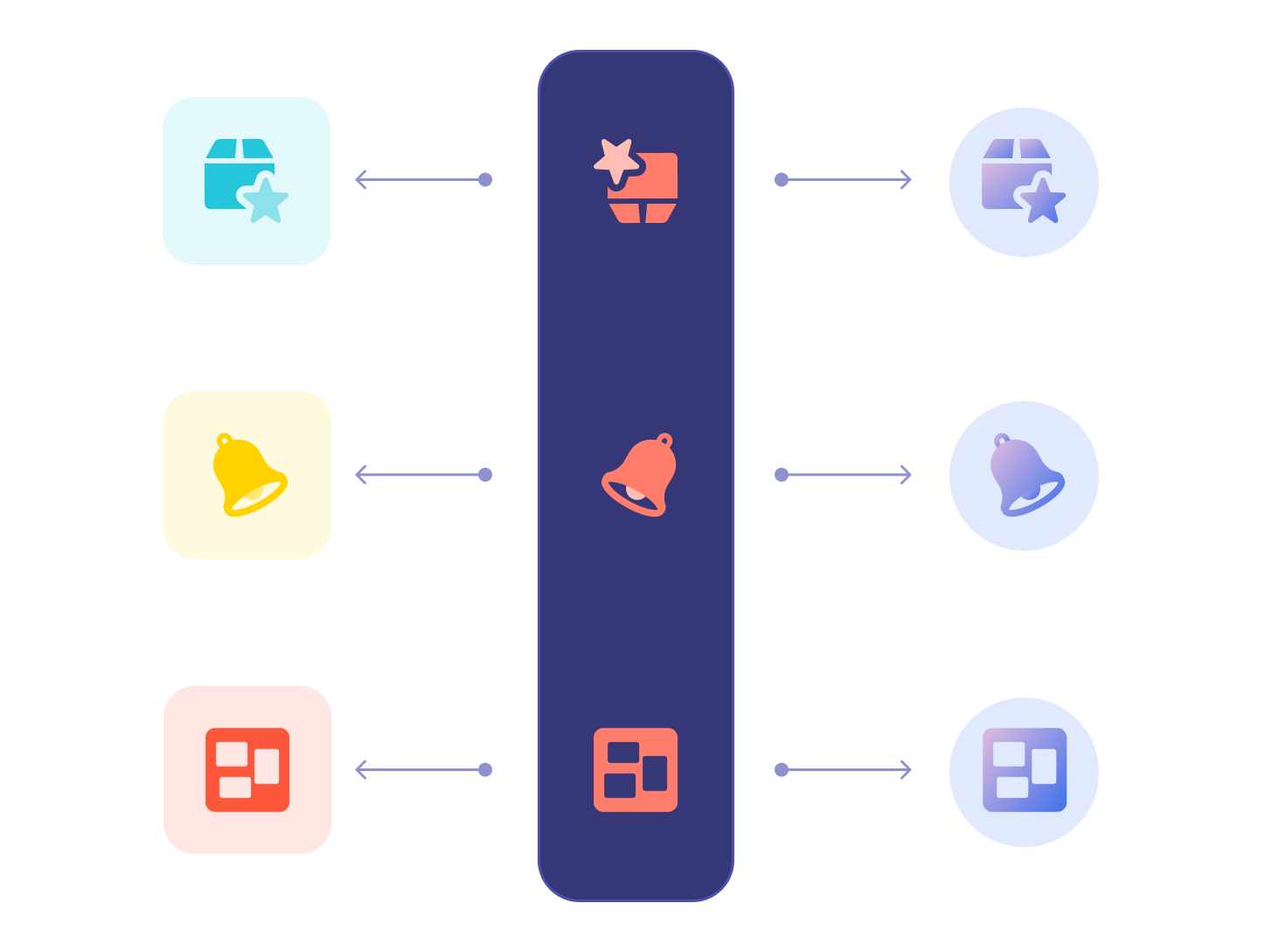
Find your icon match
Looking for the right icon? We've got thousands waiting for you! Click below to dive into our library and find the one that fits your style.
It’s not just editing an online icon
Finish customizing your icon? Let’s see what you can do next!
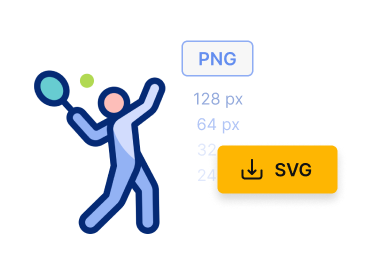
Download as PNG or SVG
Choose PNG for irregular shapes and for transparent backgrounds, and SVG for high-quality, scalable icons.
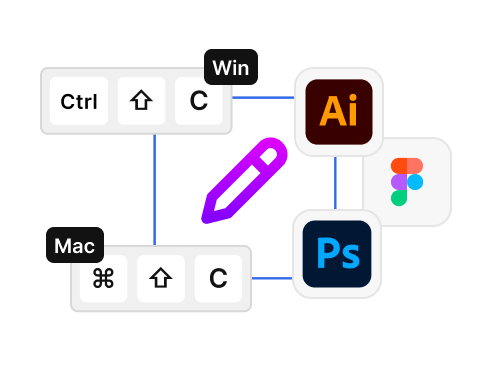
Copy and paste it!
Copy your customized icon with a single click and paste it directly into your project. As simple as that!
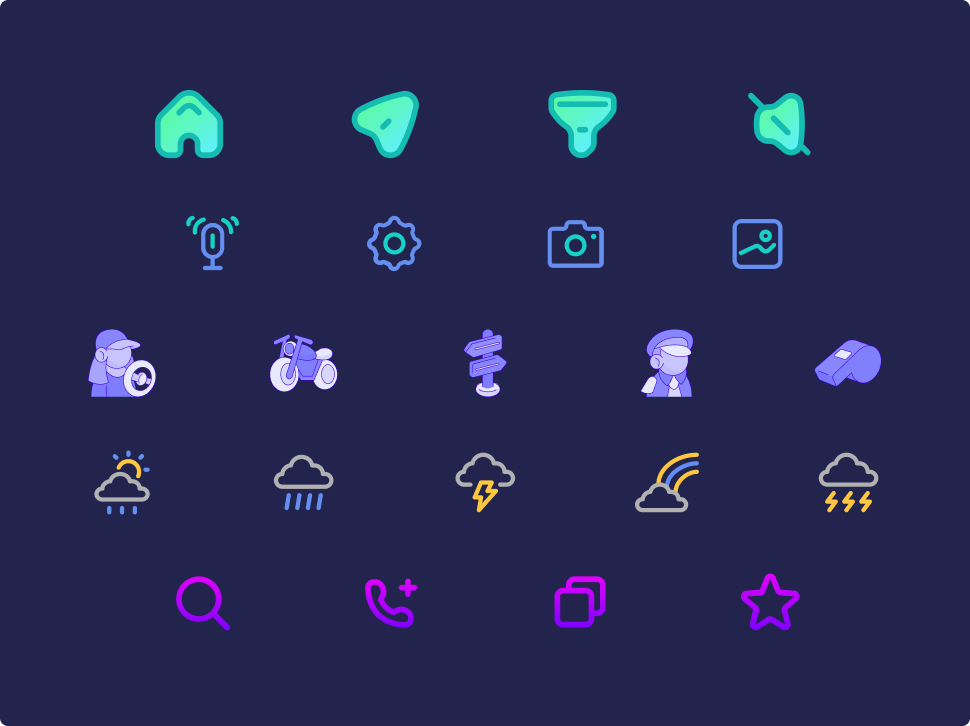
Discover our icon collection
Standard and interface icons, animated ones, and playful stickers—you name it, we've got it! Dive into our rich collection and find the perfect icon for your next project.
Learn more about the world of icons


Frequently asked questions
- The Freepik Icon Editor is an integrated tool on Freepik that allows you to customize icons directly online. It lets you modify colors, shapes, display, and stroke easily, eliminating the need for external design software.
- Head to Freepik icons and explore all our available icons—there’s one that’s a match for sure! Once you’ve selected one, click on it, and then on Edit icon. When all your edits are ready, hit the Exit editor button, and download or copy the result in the format of your choice.
- Yes! The Icon Editor is available to both free and Premium plans users. Free users can edit up to 3 icons per day, while Premium plans users can edit an unlimited number of icons.
- You can easily tweak icon colors, adjust shapes, and modify display settings. Some icons even let you change strokes. The online Icon Editor offers a color palette and custom color options, plus you can play around with transparencies and gradients.
- Right now, this is not possible. If you need to customize two or more icons, you have to do it individually.
- Users subscribed to any of our Premium plans can download or copy their personalized icons in PNG or SVG formats. Free users can download their icons in PNG format only.
If you need further information, please contact us